Category: Design – Video – AI
-
Canva for design – all the tutorials
Canva is a versatile, user-friendly design platform that empowers individuals and teams to create professional-quality visuals without requiring advanced design skills. Here’s an overview of what you can do with Canva: Canva offers an extensive library of templates and tools to help you create a wide range of visual content: With over 610,000 templates available…
-

Most Advanced AI Tools for Video Creation
Full list of the top AI video tools, – on 2025 grouped by purpose:
-

Creating Videos with AI: A Practical Approach
AI-powered video creation has become increasingly accessible, opening up new possibilities for content creators at every level. Whether you’re looking to produce quick social media content or more sophisticated video projects, AI tools can significantly streamline your workflow.
-
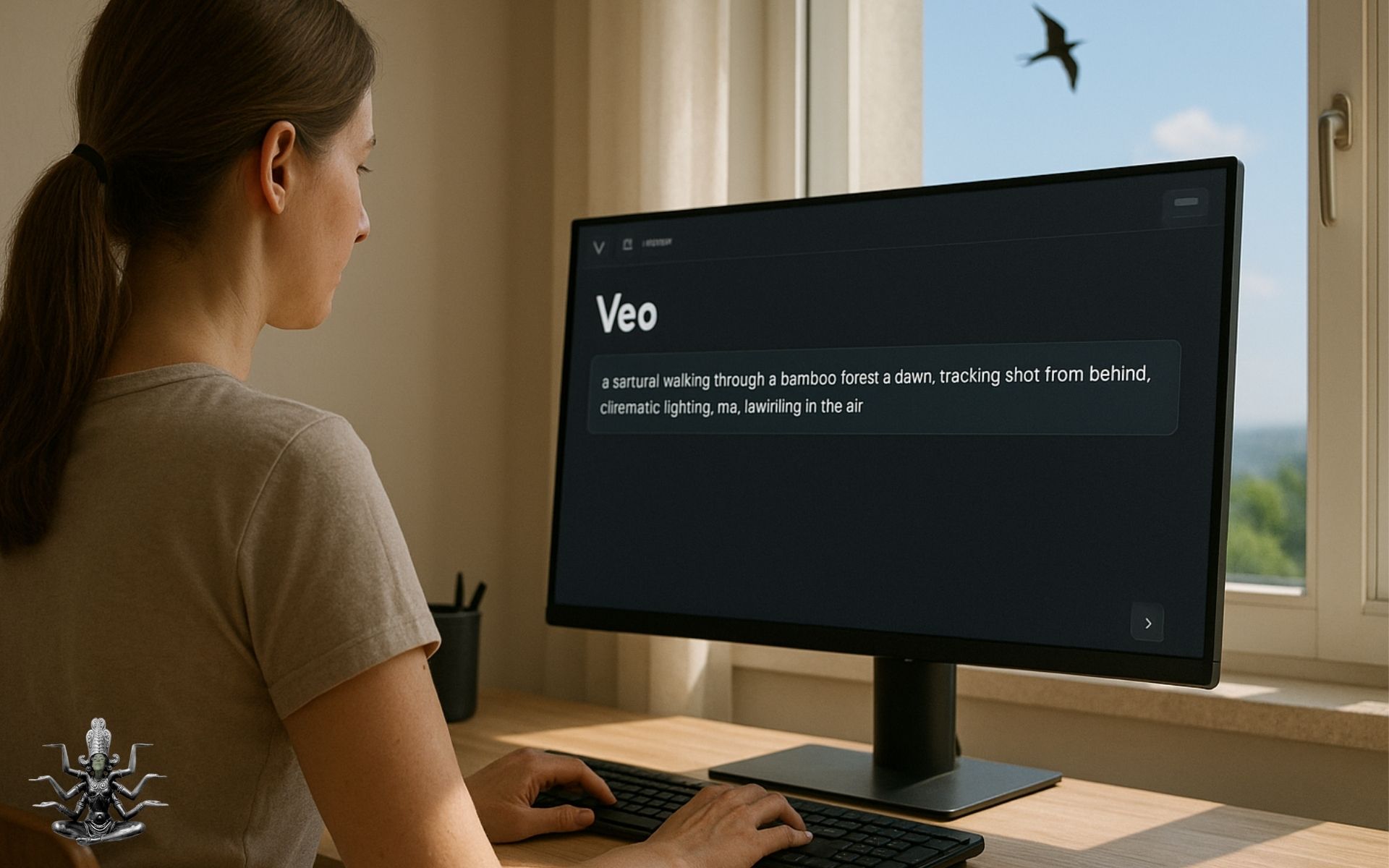
How to Write Video Prompts with Camera Movements
How to describe a camera movement in a prompt? Use real cinematography terms, as in the image below. Veo and the other tools to make video from text, understand many of them, especially if clearly used in context. Example: Prompts with Movements An astronaut floating in space, dolly in slowly, cinematic lighting, lens flare from…
-

Canva integrating Veo3 – Video tutorial
Veo3, powerful AI for video-tool, is available right inside Canva! I’ve found very interesting this step-by-step tutorial. It will show you how to use it, and how to write better prompts.