
Canva is a versatile, user-friendly design platform that empowers individuals and teams to create professional-quality visuals without requiring advanced design skills. Here’s an overview of what you can do with Canva:
Design Virtually Anything
Canva offers an extensive library of templates and tools to help you create a wide range of visual content:
- Social Media Graphics: Design posts, stories, and banners for platforms like Instagram, Facebook, and LinkedIn.
- Marketing Materials: Create flyers, brochures, business cards, and posters.
- Presentations and Reports: Develop engaging slideshows and documents with ease.
- Resumes and Portfolios: Build professional resumes and showcase your work.
- Event Invitations: Design invitations for weddings, parties, and other events.
- Infographics: Visualize data and information effectively.
- Logos and Branding: Craft logos and establish brand identity.
With over 610,000 templates available in the premium version, you can customize designs to suit your needs
Edit Videos with Ease
Canva’s video editing capabilities include:
- Trimming and Splitting: Adjust the length and segments of your videos.
- Adding Text and Music: Enhance videos with captions and background music.
- Transitions and Effects: Apply visual effects to make your videos more engaging.
These features make it simple to create professional-looking videos for various purposes.
Enhance Photos
Canva provides several photo editing tools:
- Background Remover: Remove backgrounds from images with one click.
- Filters and Effects: Apply various filters to enhance your photos.
- Image Enhancer: Improve image quality automatically.
These tools help you create polished visuals without needing advanced photo editing skills.
Other important features
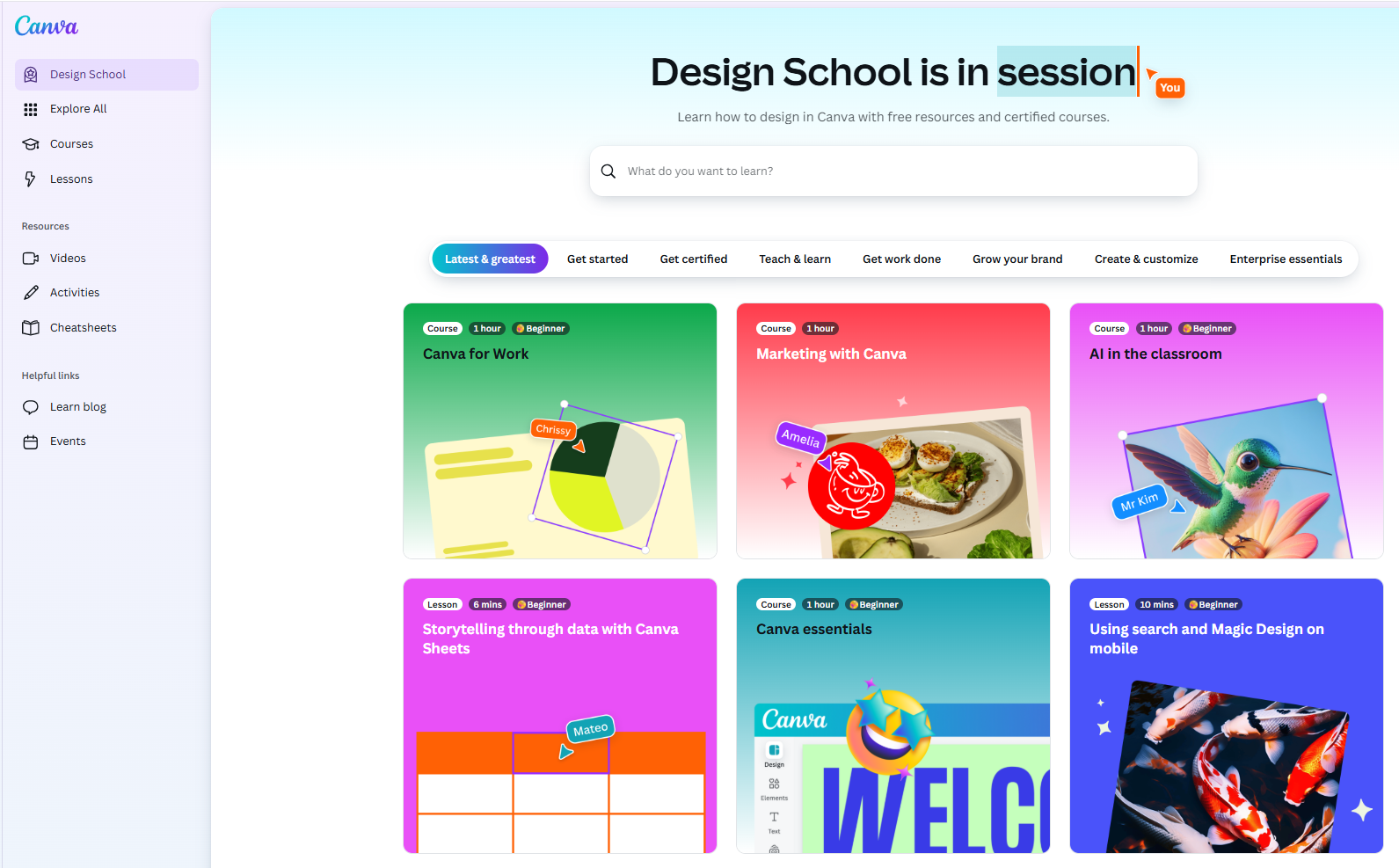
And much more, you will learn improving. Start learning now, with Canva’s Design courses.
Free or Pro? Choose the Right Plan
Canva offers various plans to suit different needs:
- Free: Access to basic features and templates.
- Pro: Unlock premium content, advanced tools, and AI features.
- Teams: Collaborate with team members and manage brand assets.
- Enterprise: Empower your organization with comprehensive design solutions.
Each plan is designed to cater to specific user requirements, from individuals to large organizations.