To make your videos more dynamic, camera movements (like zooms, pans, and tracking shots) can be added directly into your prompts.
This tutorial will teach you how to:
- Write effective scene descriptions
- Add specific camera movements
- Control style, composition, and mood
- Combine everything into powerful prompts
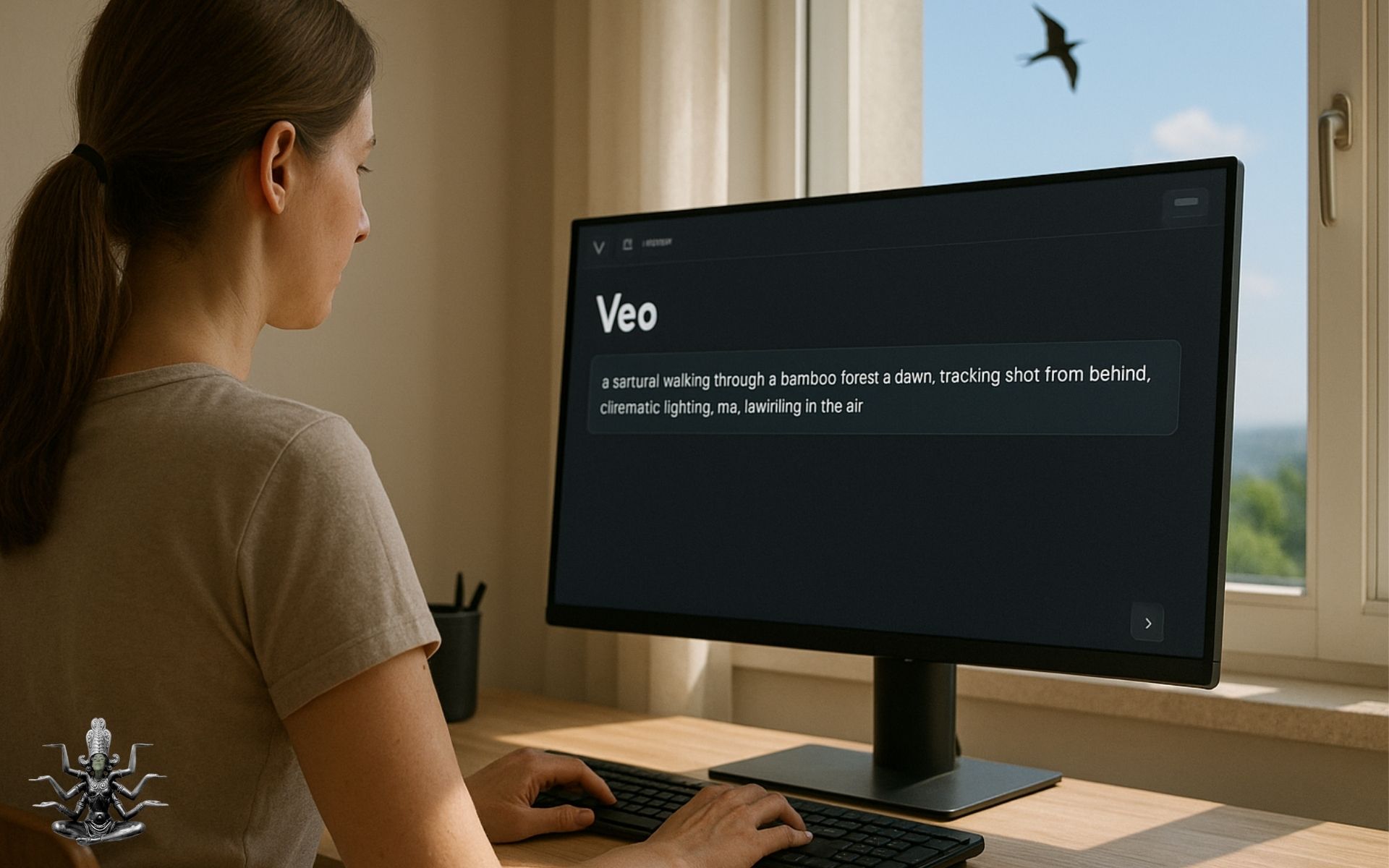
Basic Prompt Structure
- Scene Description
- Camera Movement
- Style or Mood
- Additional Details
1.SCENE DESCRIPTION Example:
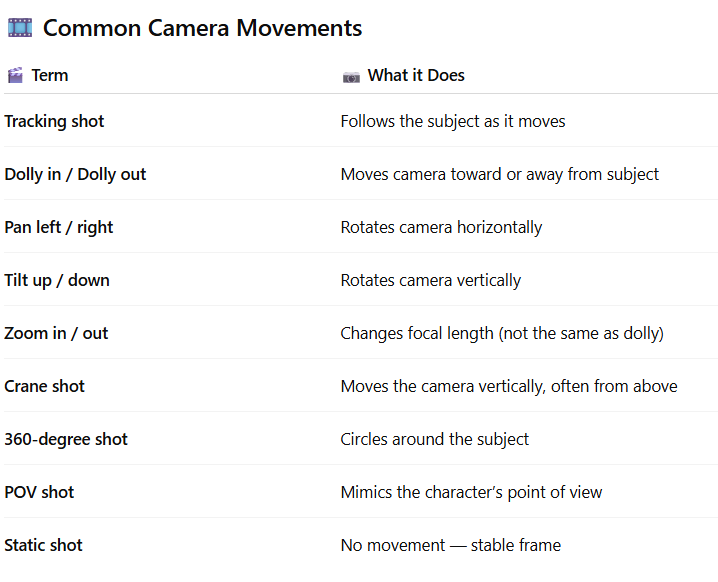
2.CAMERA MOVEMENTS
How to describe a camera movement in a prompt? Use real cinematography terms, as in the image below. Veo and the other tools to make video from text, understand many of them, especially if clearly used in context.
Example: Prompts with Movements
An astronaut floating in space, dolly in slowly, cinematic lighting, lens flare from the sun.
3.Add Style & Mood
Enhance the prompt with stylistic or emotional cues:
Example:
A couple dancing in the rain, slow-motion, rotating 360-degree shot, romantic atmosphere, bokeh lights in background.
Here just a very simple example. I made it with Canva AI, wich added the music (i did not wrote any instruction about it, so AI did it, following the basic instructions:
Optional: Add Temporal Details
Mention time of day, season, weather, and pacing, like:
- at sunset, during a thunderstorm, in winter, slow motion, hyperlapse.
Advanced: Chaining Multiple Shots
You can describe multiple shots in sequence, like a mini storyboard.
Multi-shot Prompt:
A soldier walking through a ruined city at dawn, tracking shot from behind — cuts to a wide aerial drone shot.